
Live Face Swap Online
Transform your webcam look in real time with a reference photo. Record, replay and download your AI face swap in the browser.
Free camera preview · Paid AI sessions use credits
- LFS Prism credits: 1/sec · 60/min
- LFS Mirror credits: 20/sec · 1,200/min
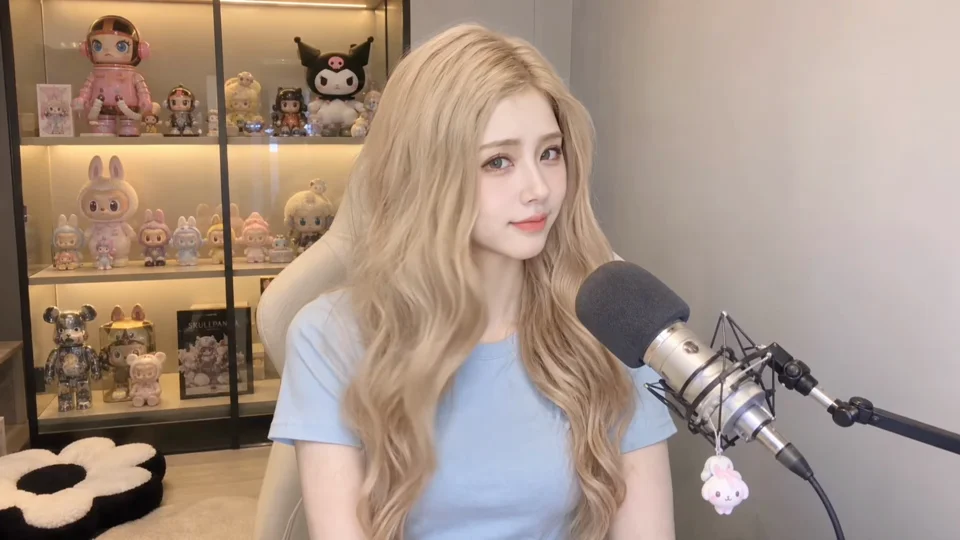
Try your own live face swap
Choose a look or upload a photo, then open your camera. Check the rate before starting AI generation.
Live AI studio
Record, replay and save
Let this look move with you
Preview your camera, then start your live face swap.

Camera checks & session diagnostics
Checks detect browser APIs, not model quality. Camera names appear after you grant access. Stop the camera before switching devices. Use current desktop Chrome or Edge first; other devices need an actual session test.
- Camera preview—
- Real-time connection—
- Local recording—
Session diagnostics
- Session request
- —
- Reference preparation
- —
- Model connection
- —
- First visible result
- —
- RTC network
- No sample
- Received video size
- —
- Sent video FPS
- —
- Decoded video FPS
- —
- Receive packet loss
- —
- RTC media delay
- —
Measured for this session only. FPS describes video transport/decoding, not unique AI frames. RTC delay excludes the full AI pipeline. Missing metrics mean no sample yet.
Preview stays on your device. Starting sends frames to the model service; this site does not store camera recordings. Generation continues in the background and uses credits until you end the session.
THREE SIMPLE STEPS
How to preview, record and save
Keep your look, camera and result together. Preview is free, AI uses credits, and recording and playback stay local.
- 01
Choose a reference look
Choose a built-in look or upload an authorized image. For uploads, use one clearly visible face with even lighting. Selecting a reference only previews the image; processing begins after you start the transformation.
- 02
Set up your webcam
Place your camera at eye level with even lighting, then explicitly enable the local preview. Check framing before you confirm permission and start. Camera frames go to your selected model provider only during the transformation.
- 03
Record, replay and save
Recording starts automatically when the live result appears. Allow microphone access to include your voice. End the session, then replay and save the clip. Keep this tab open until the video is saved.
Understand live face swapping
Real Time Face Swap with Your Webcam
An AI webcam face swap transforms your live camera feed using a reference photo. Use your own face or an authorized character for a short performance, then record and review the result. Depending on the engine, hair, clothing or the whole character may change too.
Lighting, occlusion, head movement, and connectivity can affect results.
- Live face swapping
- Continuously transforms your camera feed using your selected AI model, with credits charged for generation usage.
- Photo face swapping
- Changes a face in a still photo. On this site, photos serve as references for the live camera; standalone photo editing is not offered.
- Video face swapping
- To edit an existing MP4, use the online video face swap tool. To record a new take, use the live webcam workspace on this page.
Live AI face swap use cases
Use your webcam for character performances, expression practice and short clips. Record the generated result and save it directly from your browser.
Real Time AI Filter
Use an AI webcam filter to explore anime, cartoon and other visual styles across your whole camera scene. Record and save a clip in your browser.
AI Webcam FilterLive Try-On
Choose a garment reference and explore virtual try on with your live webcam. Review the outfit as you move, then record a look you want to keep.
Try on clothes liveOn-camera character rehearsals
Plan an original persona for a skit, a role-play session or a short performance. A live face swap preview could help you rehearse timing and framing before an audience sees the scene. Use a character or likeness you are allowed to portray.
Explore a new creative persona
Compare the reference appearance with the style of your production. Think about lighting, expression and the role the character plays in the story. Live face swap is a visual storytelling idea, not a way to establish someone’s identity or permission.
Practice speaking and expression
Rehearse dialogue, smiles and small head turns, then record the generated result to review your performance. Check each take for appearance drift or visual artifacts before sharing.
Record a character performance
Recording starts when the generated result is ready. Allow microphone access to include your own voice, then end the session to finish the clip.
Replay and download your video
Review a take before sharing. Save it in a browser-supported format before leaving the tab, or keep separate takes to compare your expressions and timing.
A clear, controllable session
Check the selected reference, know when the camera is active and keep the stop control within reach. Review a local recording before sharing, obtain permission and tell your audience when AI has changed the appearance.
Live face swap FAQ
Answers about online live face swap, costs, camera setup, recording and privacy.
Your next reaction, with your face.
Pair your own GIF with a portrait and download a personalized reaction.
From the blog
Live Face Swap development updates, release notes, and usage guides.
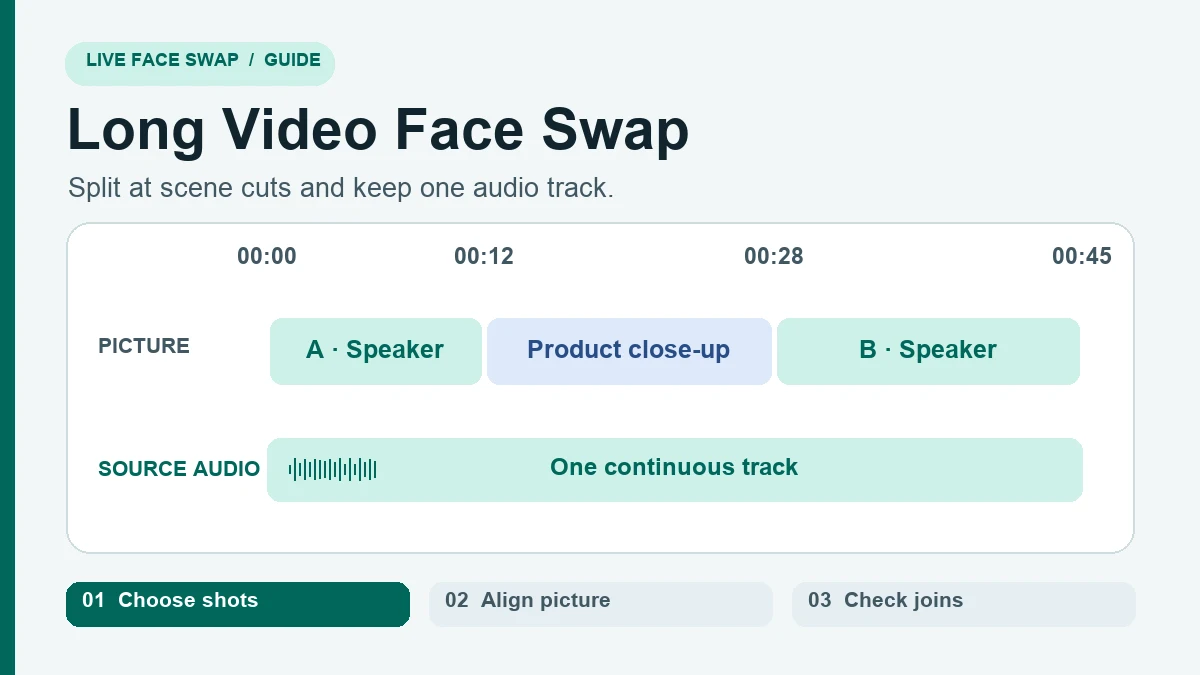
Long Video Face Swap: Split Clips and Keep the Original Audio
Turn a long recording into a shot list, process only the clips that need a face swap, and return them to the original timeline without duplicating the audio.
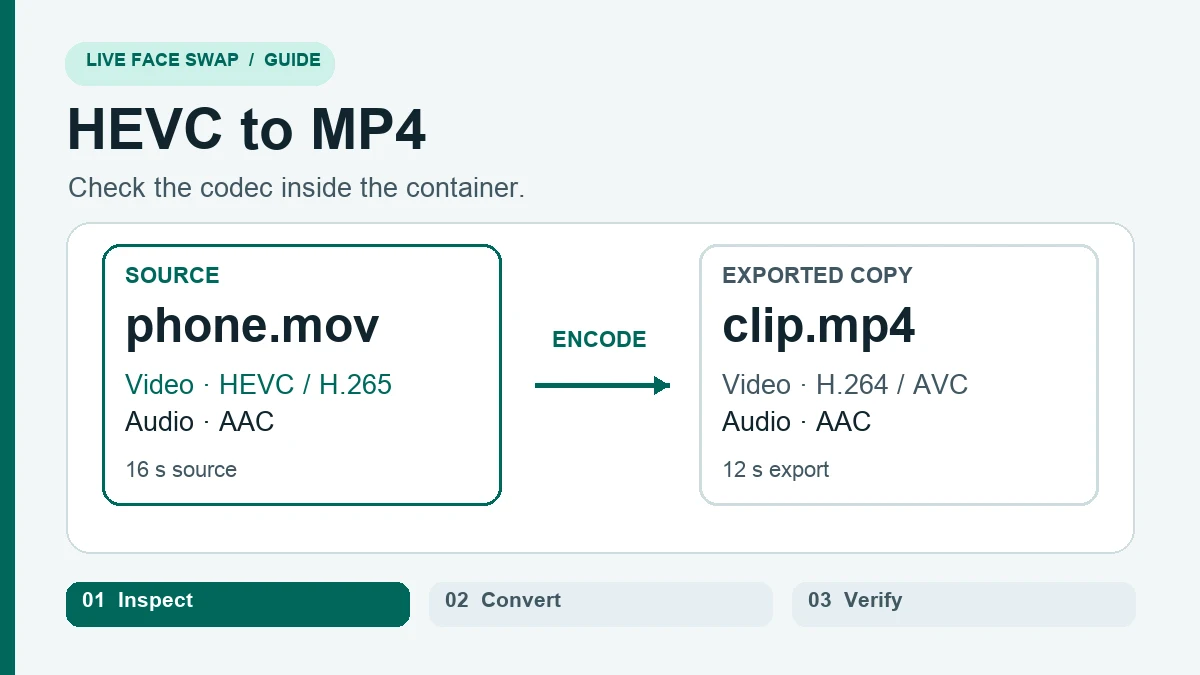
HEVC to MP4: Convert iPhone Video to H.264 for Face Swap
Find out why a phone video can play but fail to import. Check its actual codec, export a short H.264 MP4 with AAC, and identify where preparation stops.
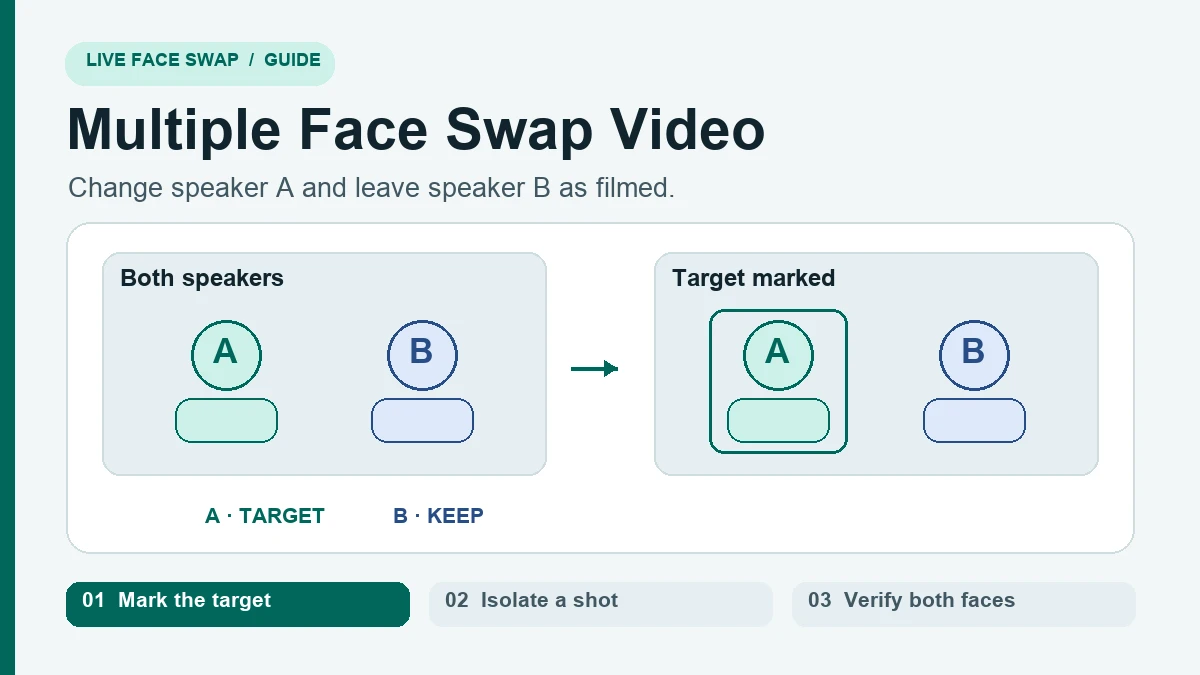
Multiple Face Swap Video: How to Replace Just One Face
Edit one speaker in a two-person video by isolating their shots, preserving the conversation audio, and checking that the other speaker stays unchanged.
Ready for your next on-camera character?
Choose a look and preview your camera for free. Sign in to generate with credits, then record and save your creation.
support@live-face-swap.net